Telepad / macOS App · Design & engineering
A teleprompter that lives in the notch.
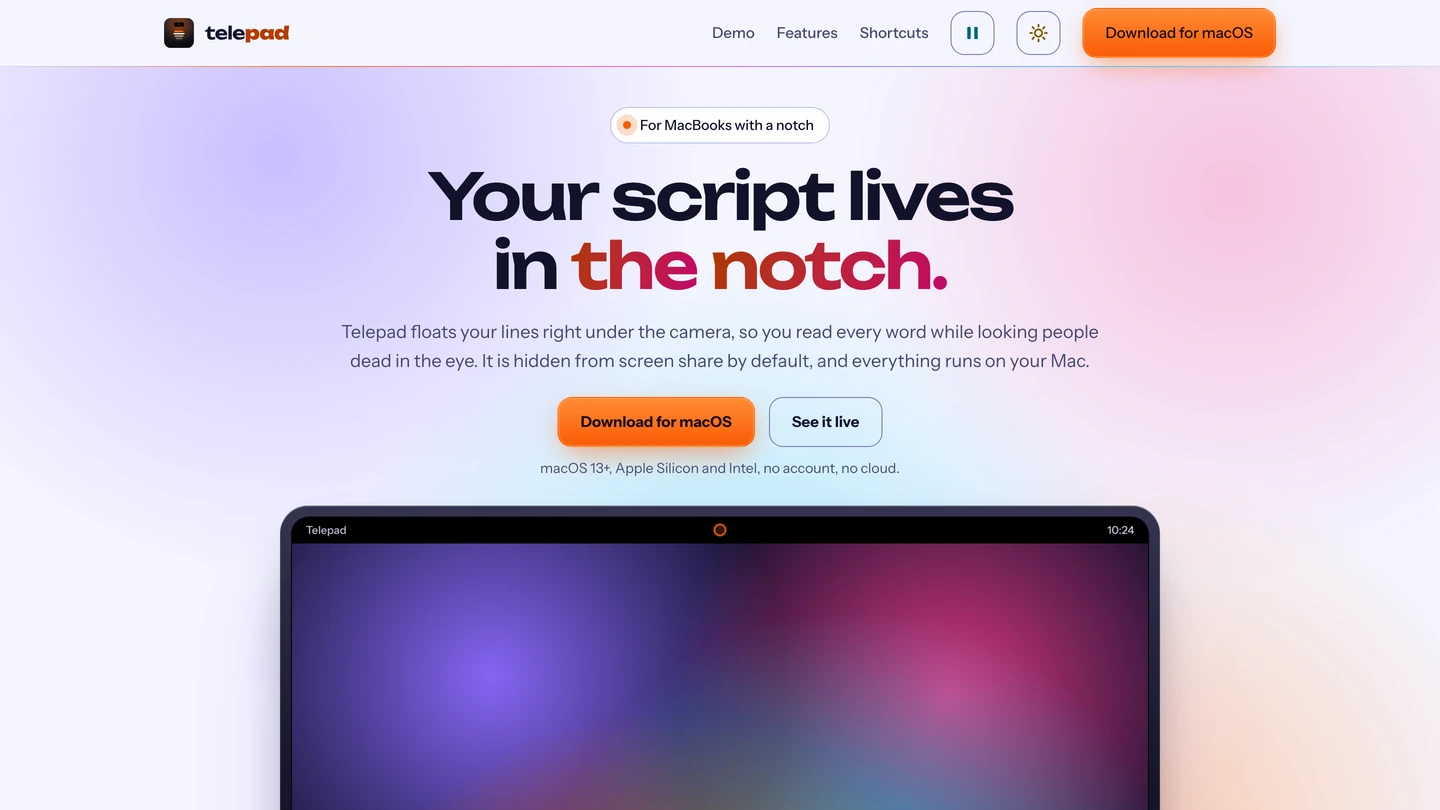
A native macOS teleprompter I built from scratch. It floats your script into the notch, right under the camera, and auto-scrolls while you film, so you read every word while looking straight into the lens. It is hidden from screen share by default and runs entirely on your Mac.
The challenge
The problem to solve.
Reading a script while filming usually means a second device or an on-screen overlay that breaks eye contact and shows up in the recording. Telepad had to put the script where you are already looking, the notch, and stay out of every shot.
My contribution
What I built and owned.
- Built the native macOS app and the notch overlay from scratch, so the script sits directly under the camera for a natural look into the lens.
- Designed a Command Center for editing the script and controlling scroll speed and display mode.
- Made the overlay hidden from screen share and recording by default, so it never appears to the audience.
- Kept everything on device, with no account and no cloud, so scripts never leave the Mac.
- Added global shortcuts for hands-free start, stop and speed control while filming.
The outcome
What came of it.
Telepad runs as a native macOS app with a notch teleprompter, a Command Center and global shortcuts, fully local. The benefit is simple: you read your script and hold eye contact with the camera at the same time, with nothing in the shot and nothing leaving your Mac.